A walk through Lantern
Seven screens, as they look on a phone. The pictures come from Lantern’s built-in simulator, so the players and stories are made up; everything else is the real app.
1 of 7
Players
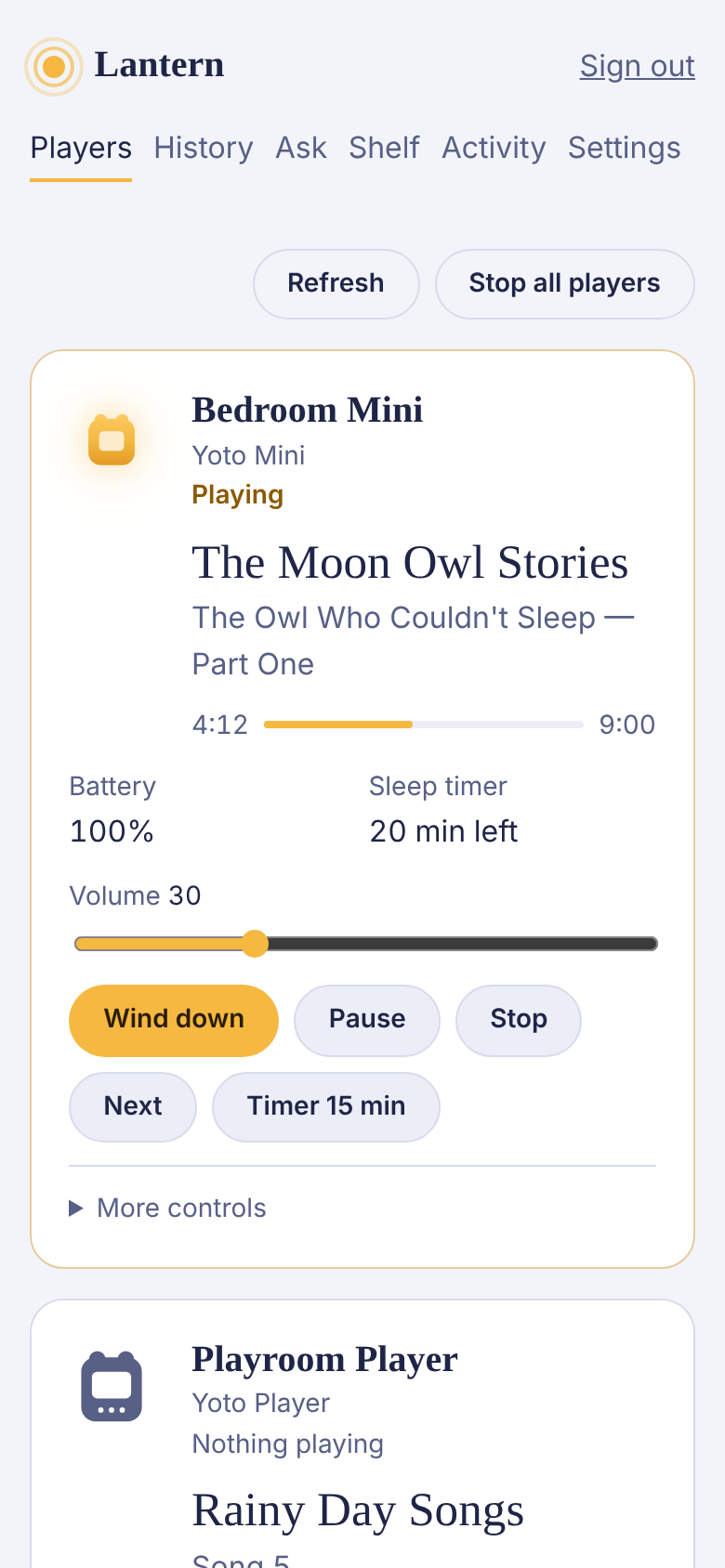
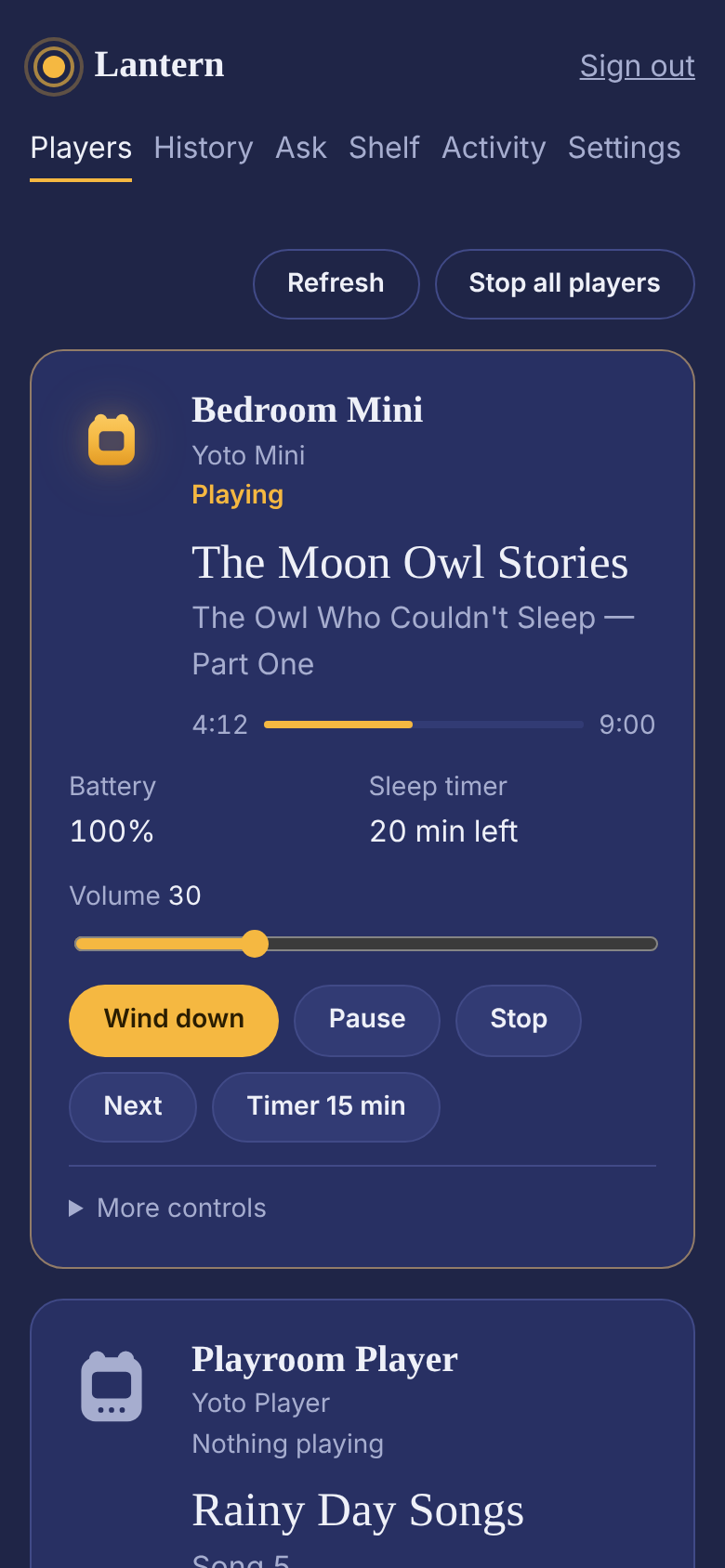
The first page after you sign in. Each player has a card: the picture lights up while something plays, and the title, chapter and track sit beside a bar that shows how far along it is. Battery, volume and the sleep timer are there too.
The buttons do what they say. Wind down sets a 20-minute timer, turns the volume to 30 and, on players that have one, warms the night light. The volume slider sets the level when you let go. “More controls” has the night light, a longer timer, the next or previous chapter, and play a card by name from your own Yoto library.
Everything updates by itself. If the page and the player ever disagree, Refresh asks every player to report again.
2 of 7
Approvals
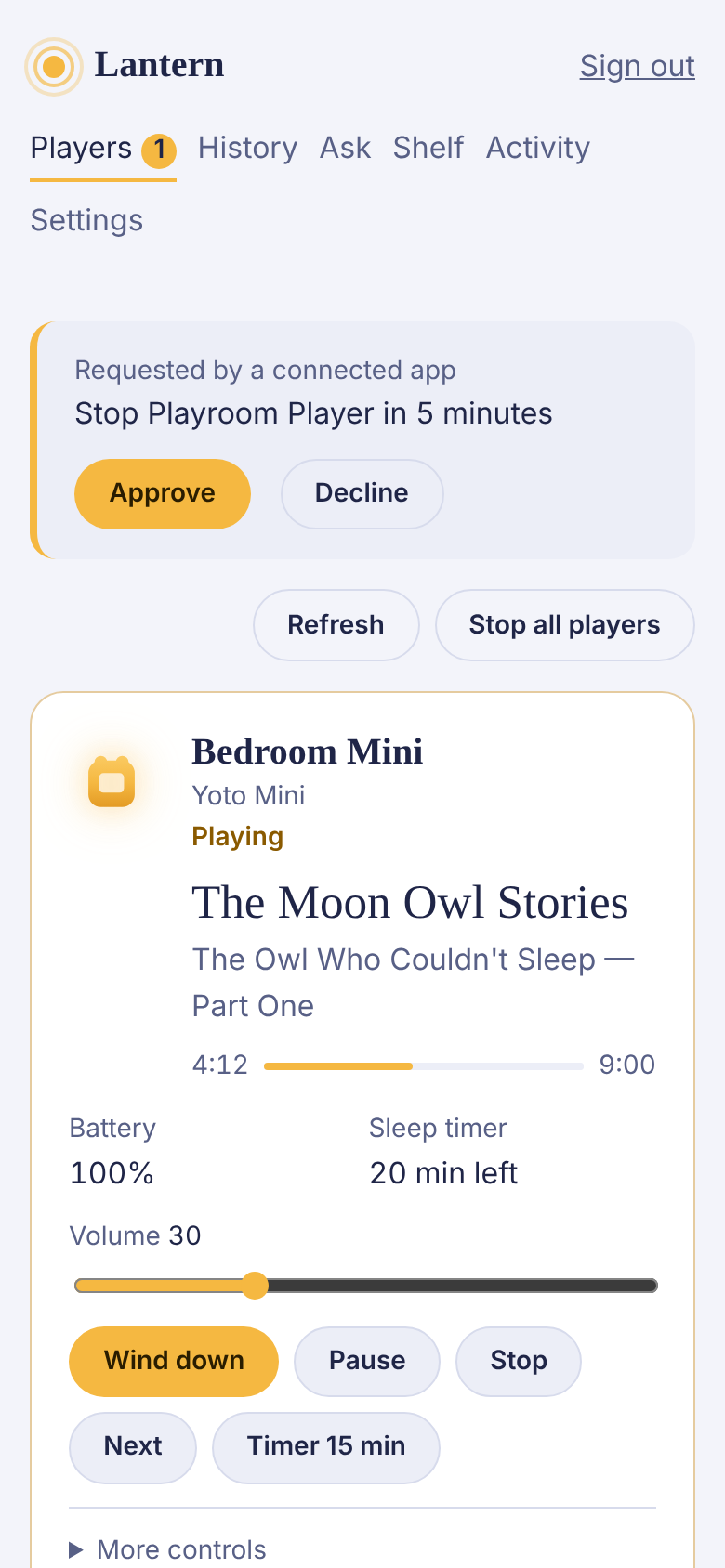
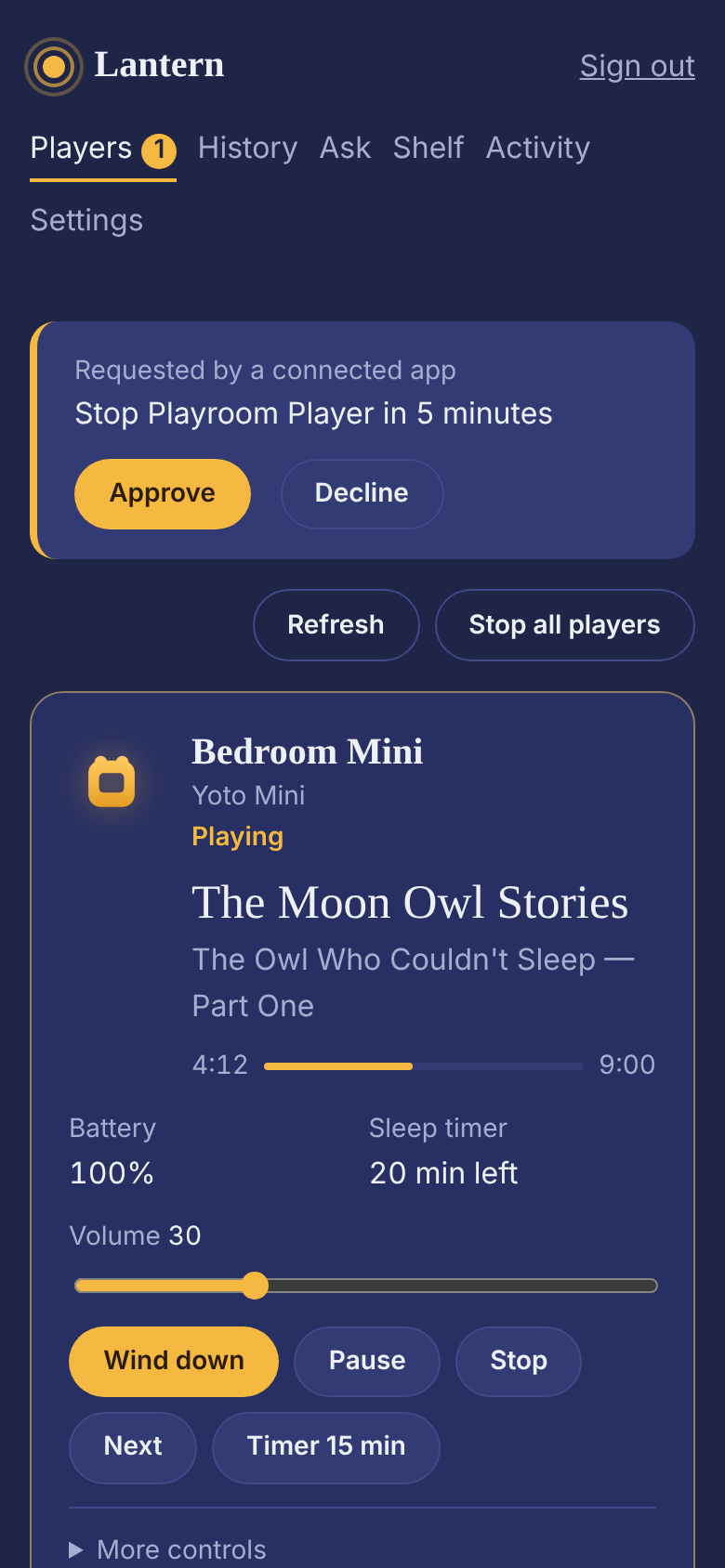
When the assistant or a connected app asks to change something, nothing happens yet. The request appears at the top of Players, in words you can check, with who asked. Approve it or decline it. On your phone, the same request arrives as a notification.
Approvals are on from the start. If you’d rather the assistant acted straight away, you can turn them off in Settings; your limits still apply either way.
3 of 7
History
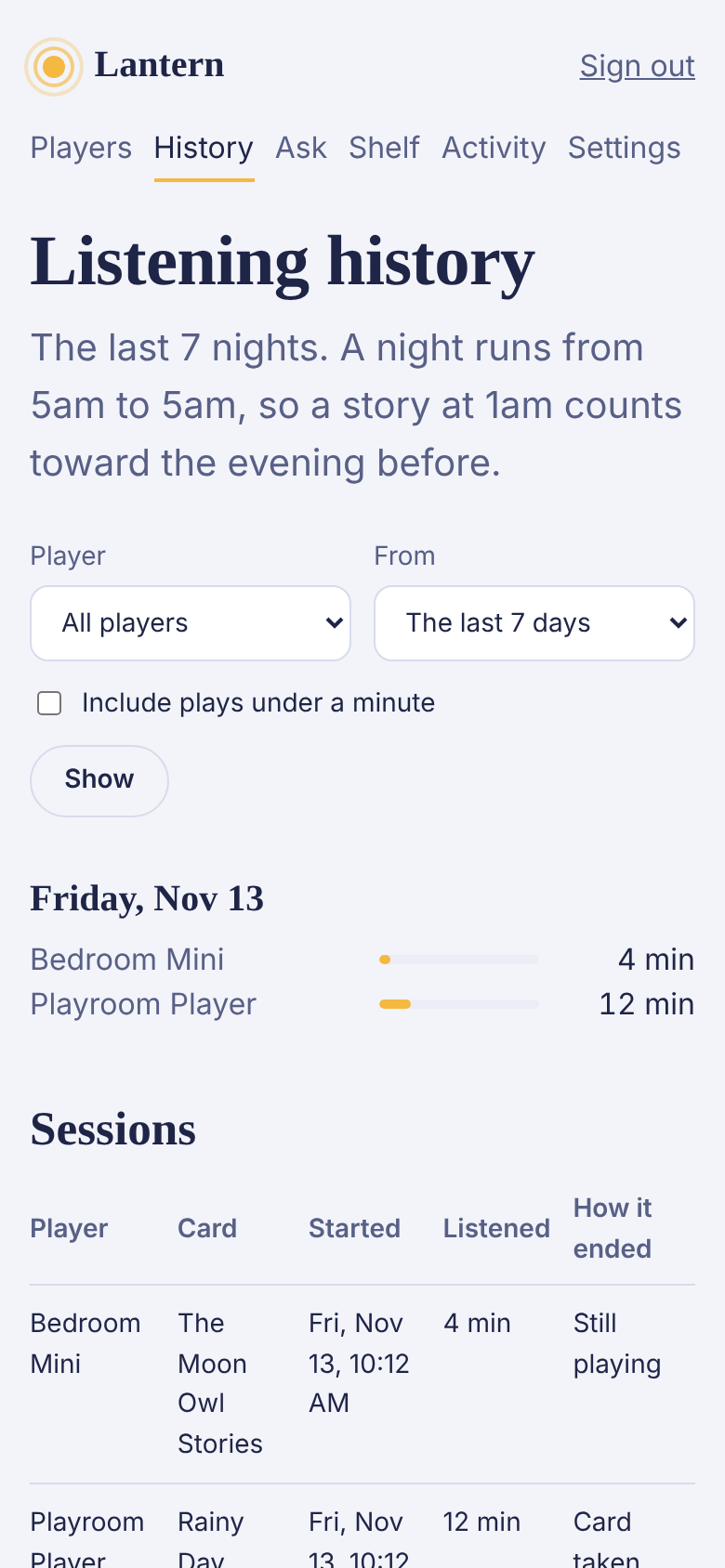
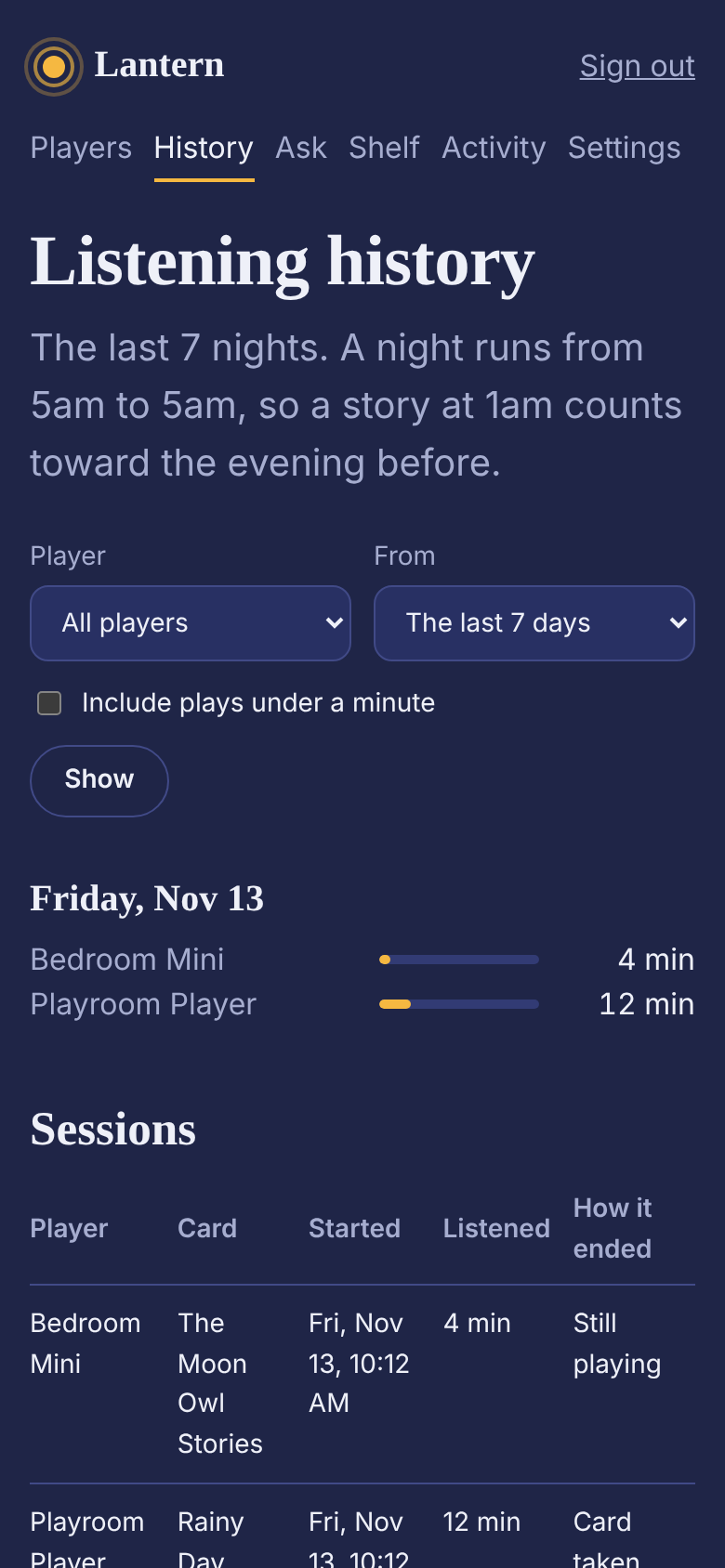
A night runs from 5am to 5am, so a story at 1am counts toward the evening before. For each night you see minutes per player, then every play underneath: the card, which player, when it started, how long it lasted, and how it ended: the sleep timer, a button, the card taken out, or the player switched off.
Plays under a minute are hidden unless you ask for them, so a card put in and taken straight out doesn’t bury the real listening. Narrow the view to one player, or to a day, a week or a month.
4 of 7
Ask
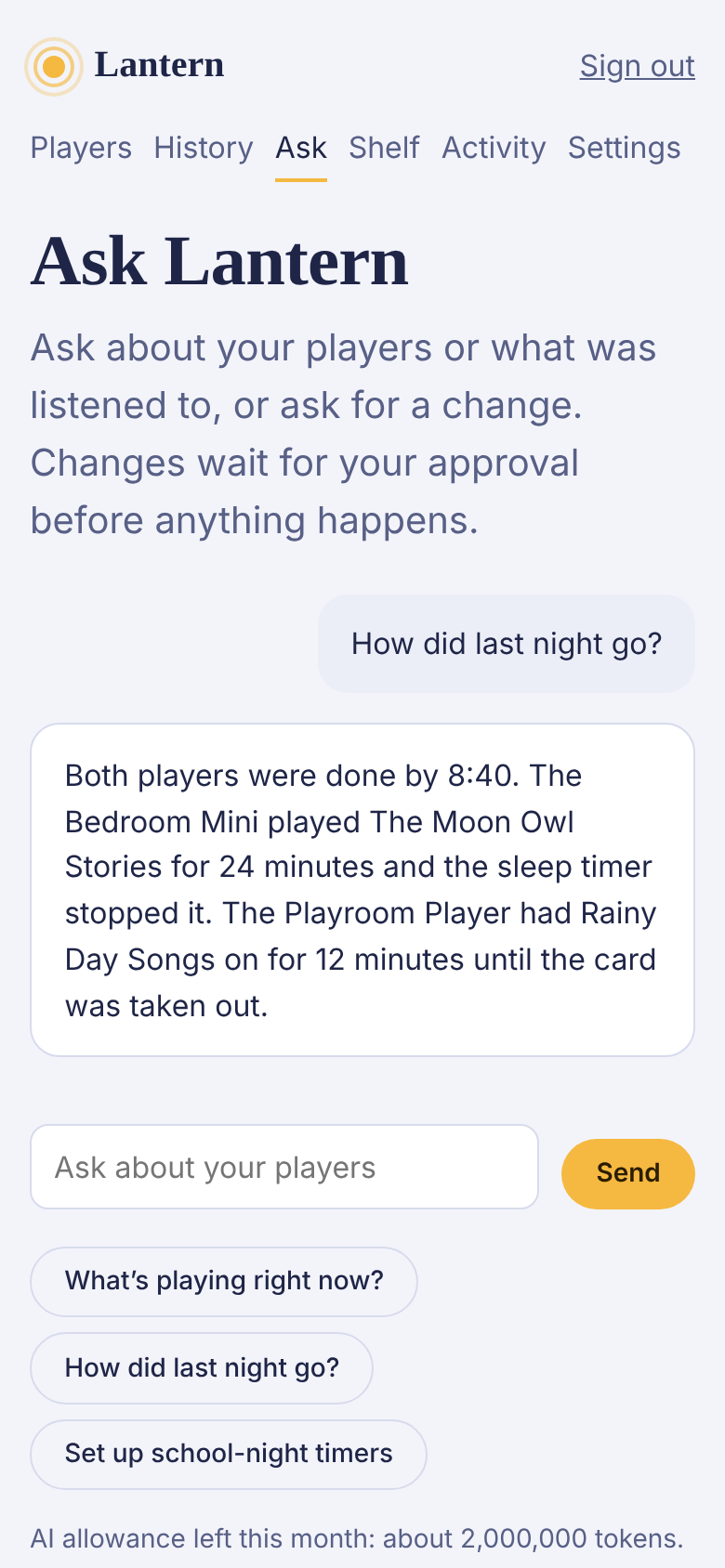
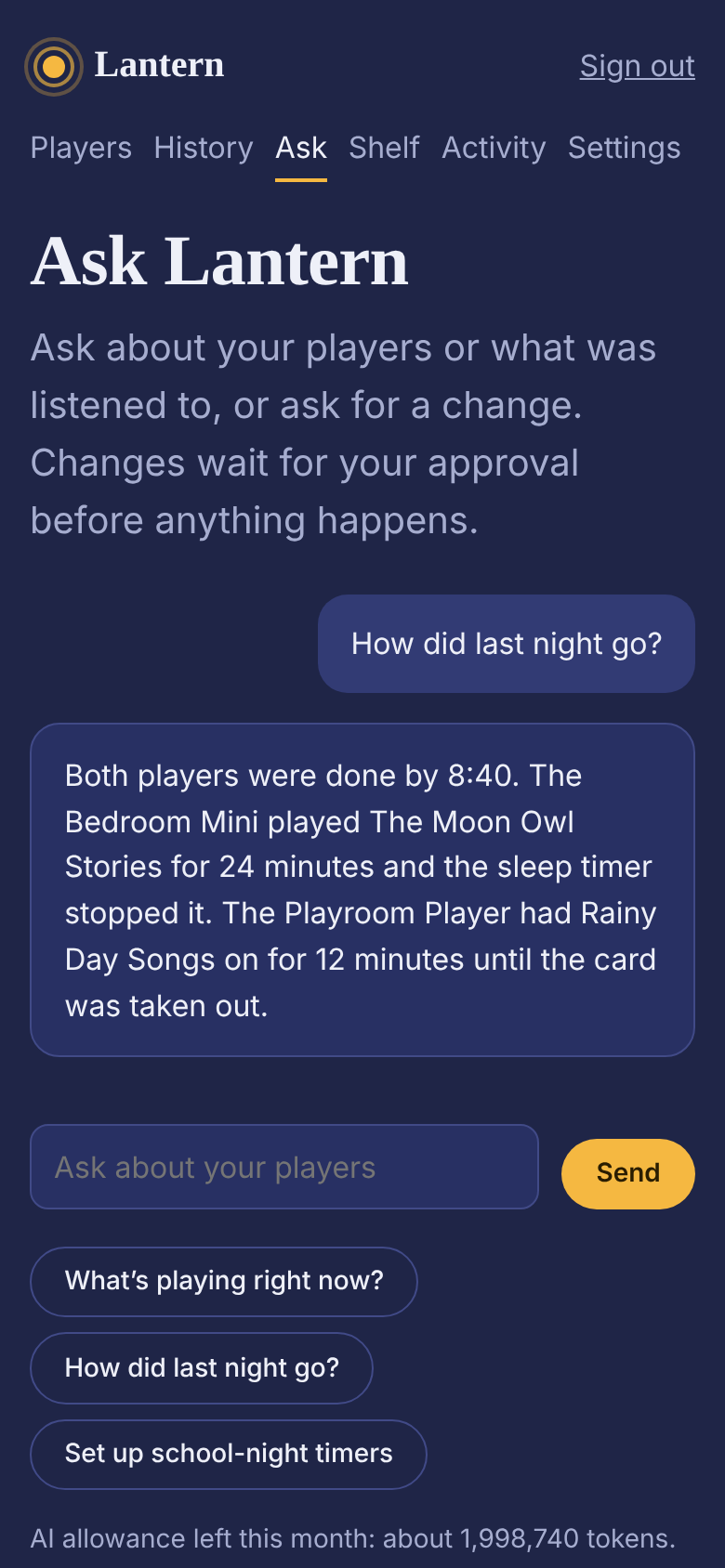
Ask about your players or what played, or ask for a change, the way you’d ask another grown-up in the house. The assistant starts every message with a snapshot of your account: what each player is doing, your limits and rules, recent alerts and the last day and a half of listening. “What’s playing?” gets a straight answer.
When you ask it to change something, it proposes the change and waits for your approval. It can’t raise the volume past your ceiling or ignore quiet hours. Each family has a monthly allowance, and the page shows what’s left.
5 of 7
Limits and rules
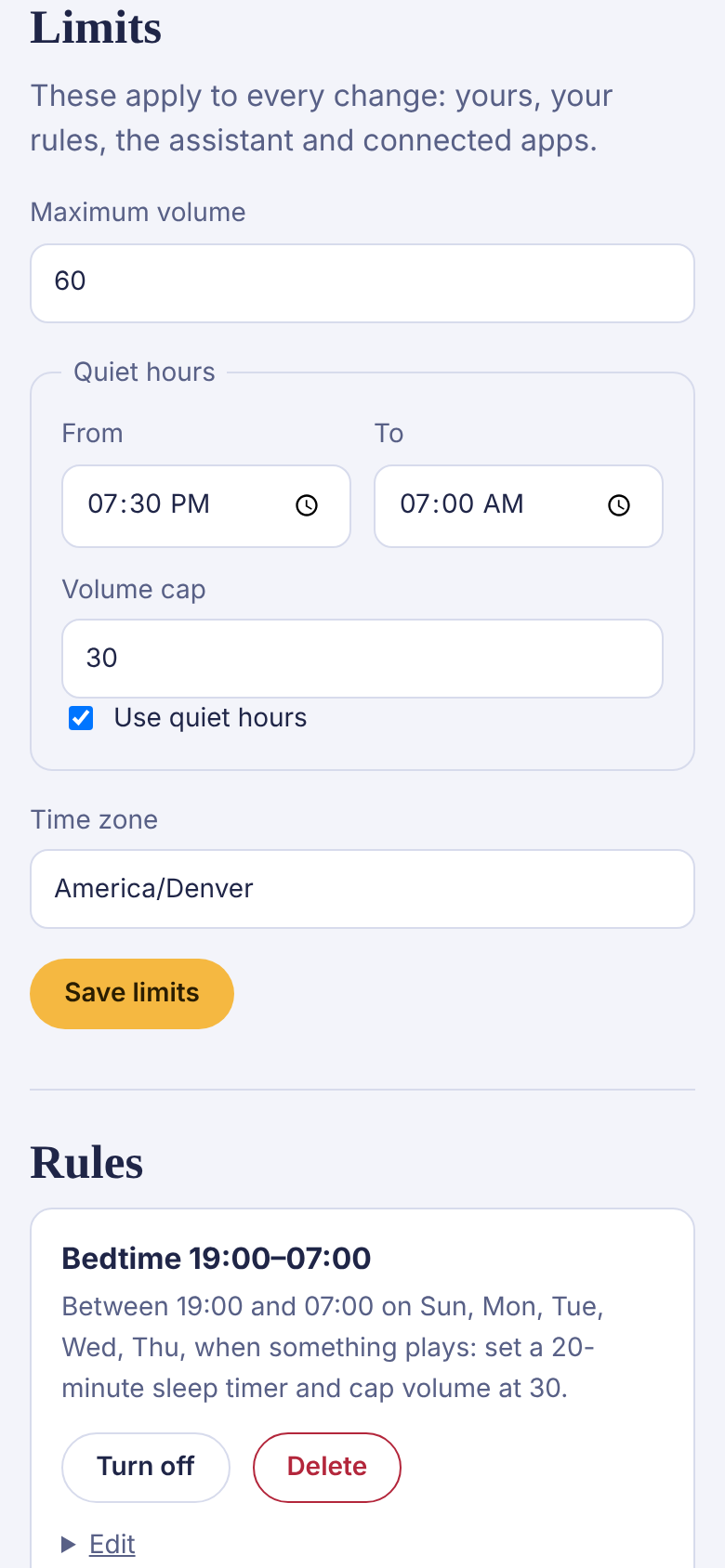
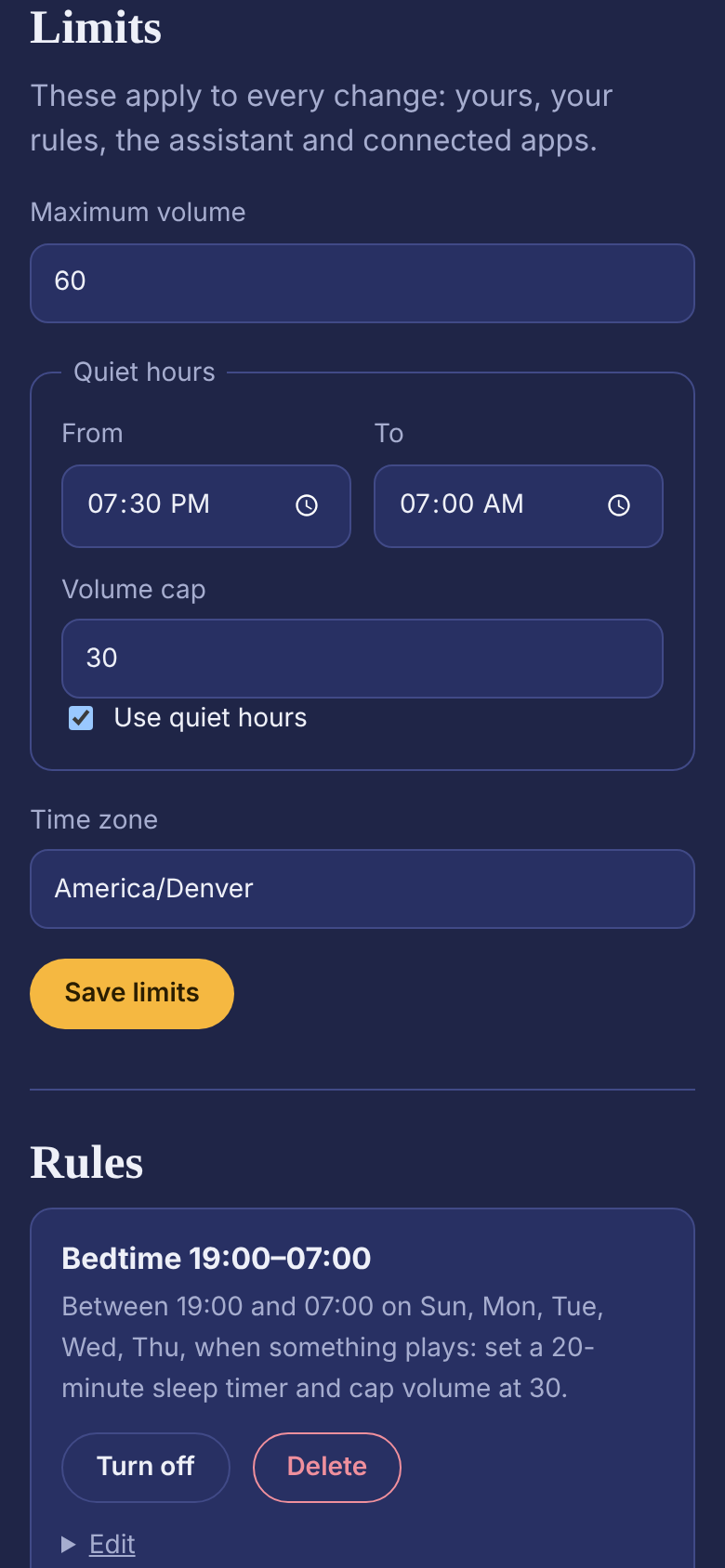
Settings holds the limits: a volume ceiling for the whole family, and a lower one for quiet hours. They aren’t suggestions. Every command from every direction is checked against them before it’s sent.
Rules do the routine for you. A bedtime cap puts a sleep timer and a volume on anything that starts in a window, on the nights you choose. Late listening tells you when something starts after a time. Low battery tells you before a player dies mid-story. Scheduled play starts a card at a set time. Each rule can apply to one player or all of them, can be edited in place, and can be switched off without deleting it.
6 of 7
Shelf
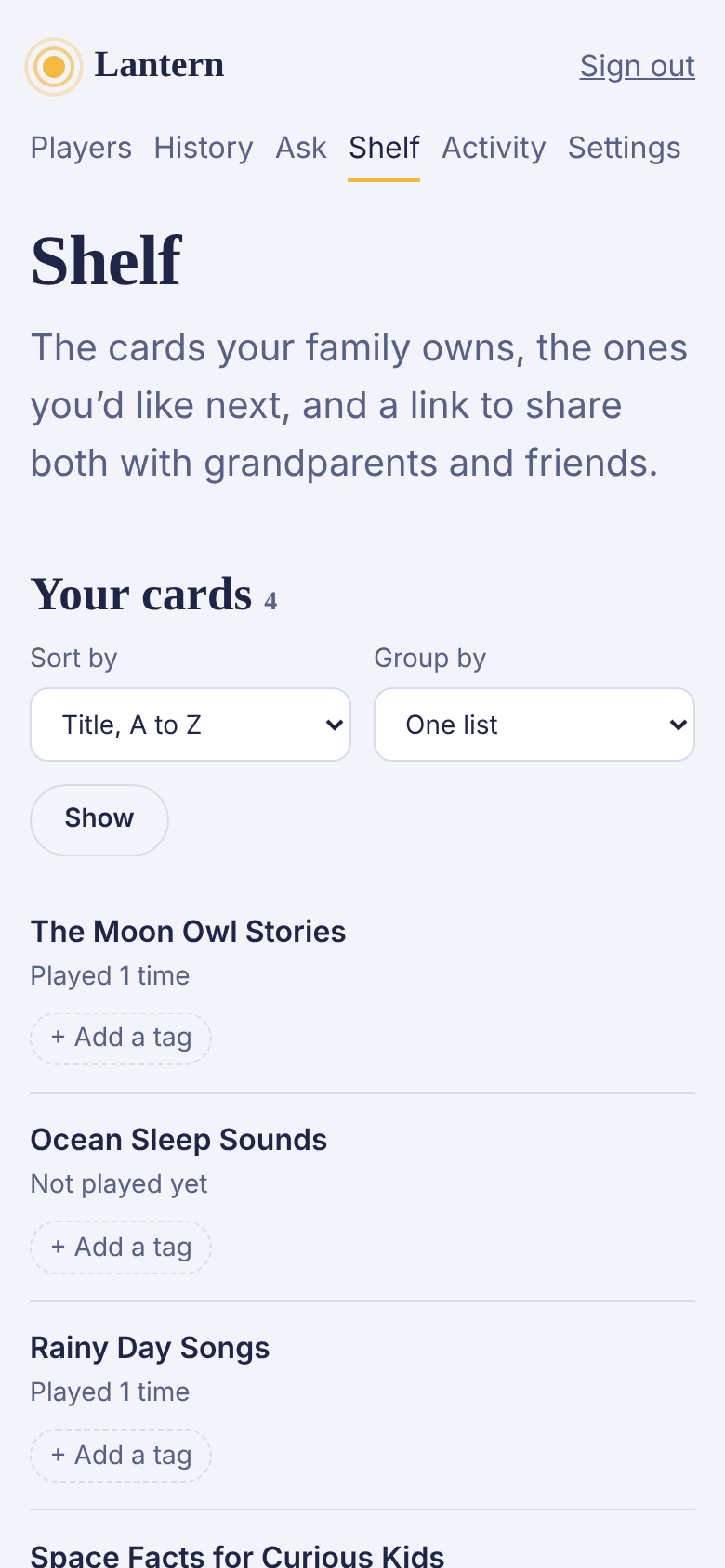
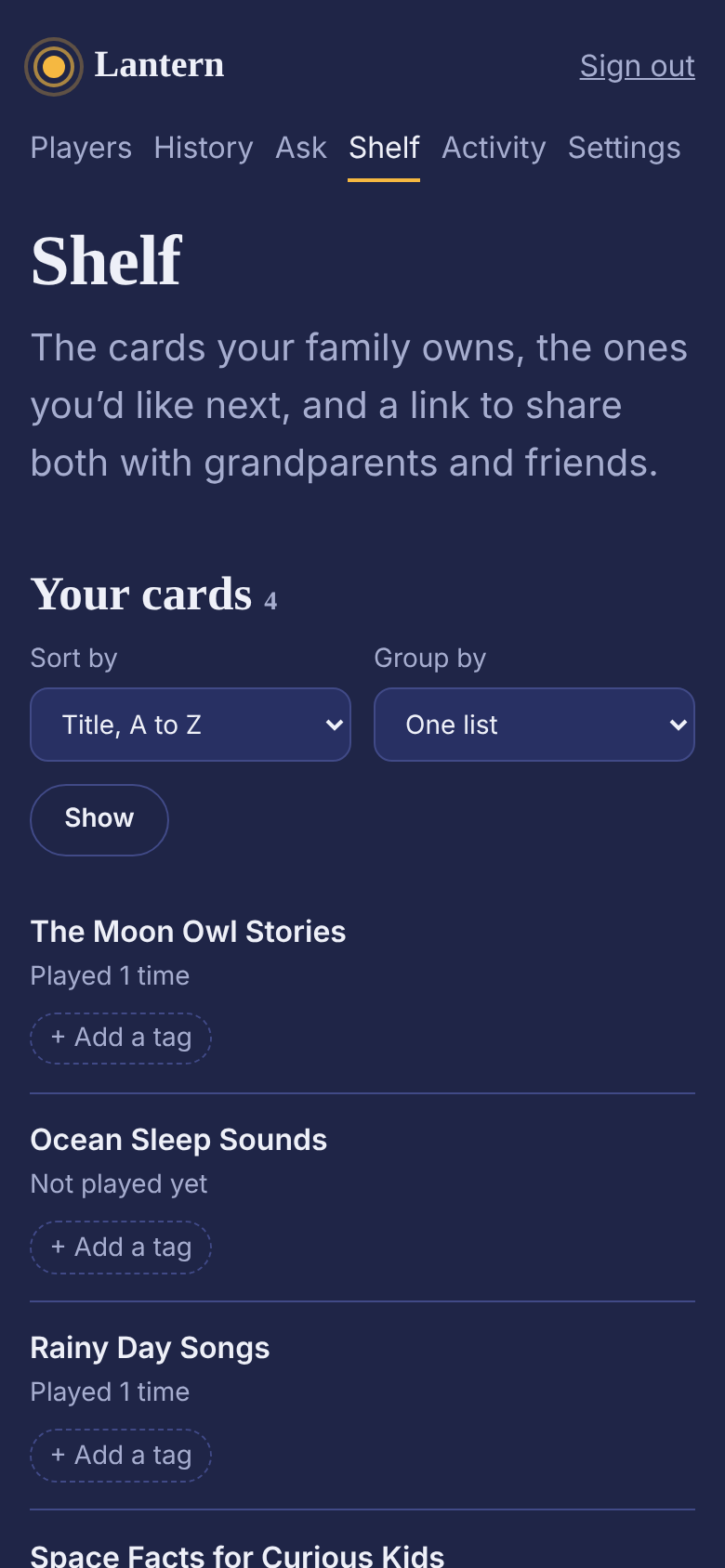
Every card your family owns, read from your Yoto library, with how often each has played. Sort them by title, most played or last played; group them by Yoto’s categories or by your own tags, which stay private to your family (parents tag by a child’s name).
Underneath, a wish list for the cards you’d like next, and a link that shares both lists with grandparents and friends, so a birthday gift is one you don’t already have.
7 of 7
Activity and alerts
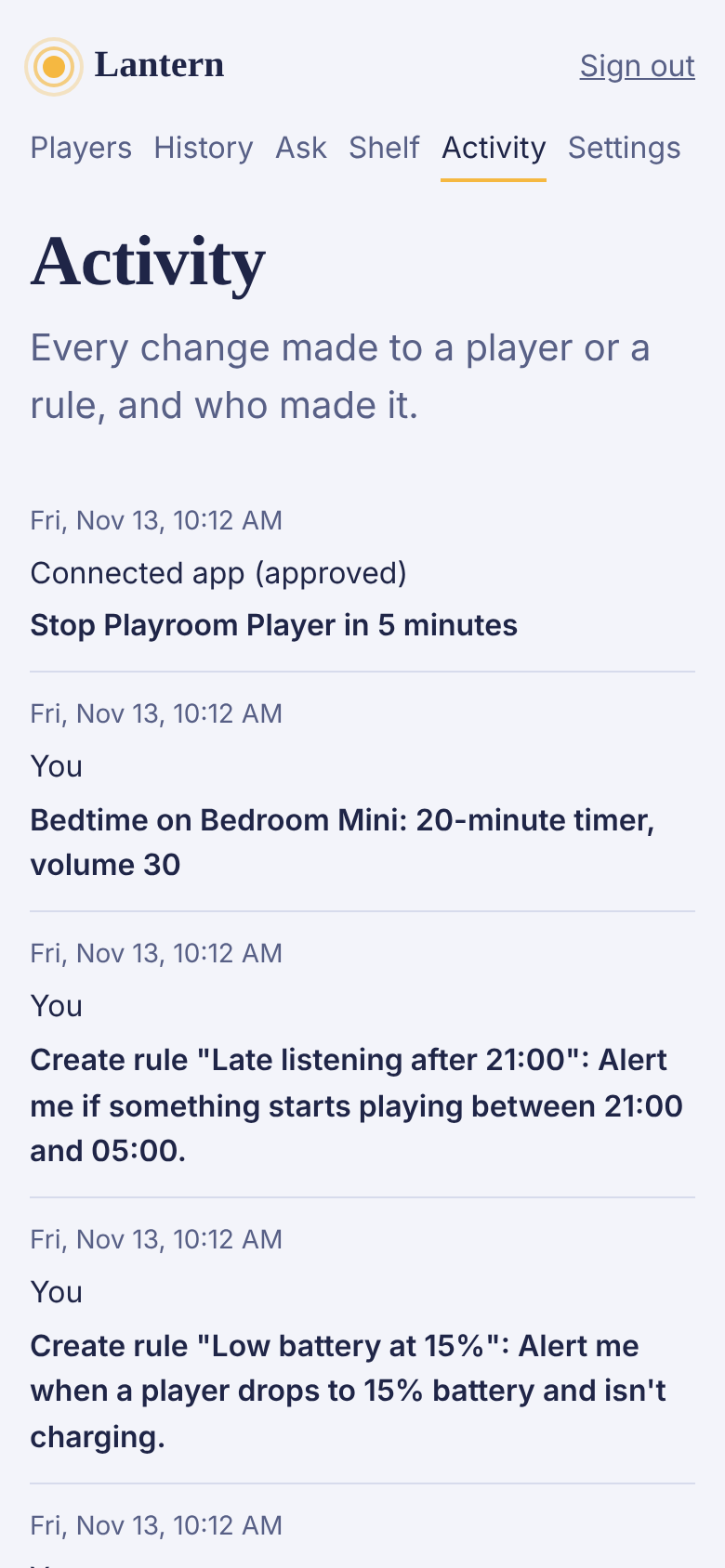
Every change made through Lantern is written down in words you can read: what changed, on which player, and who asked: you, a rule, the assistant or a connected app. If something didn’t go through, the reason is there too.
Alerts live here as well. Turn on Alerts on this phone in Settings and they also reach your lock screen, including requests waiting for your approval.
And on your phone
Add it to your home screen
Lantern is a website, so there’s nothing to download, but it installs like an app: open it in your phone’s browser and choose Add to Home Screen. It opens full screen, keeps you signed in, and can send you alerts.
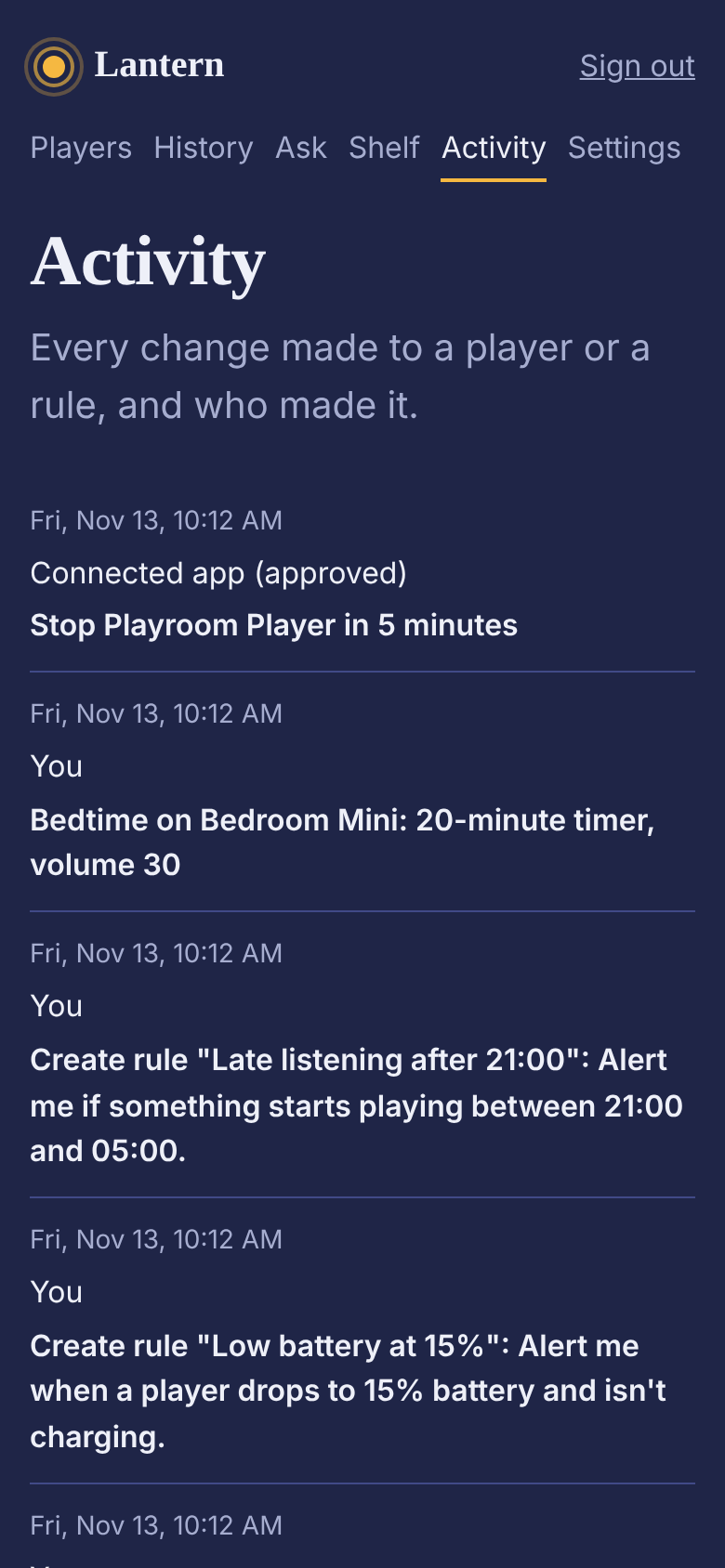
Light or dark follows your phone, or pick one for this device in Settings.
Try it with your own players
Create an account, connect Yoto, and your players appear within a minute. Nothing changes on them until you ask. Free while in beta. There is no paid plan.
Create your account Open beta
Open beta. Free while in beta. Not yet tested on a real Yoto player. Independent project, not affiliated with Yoto.