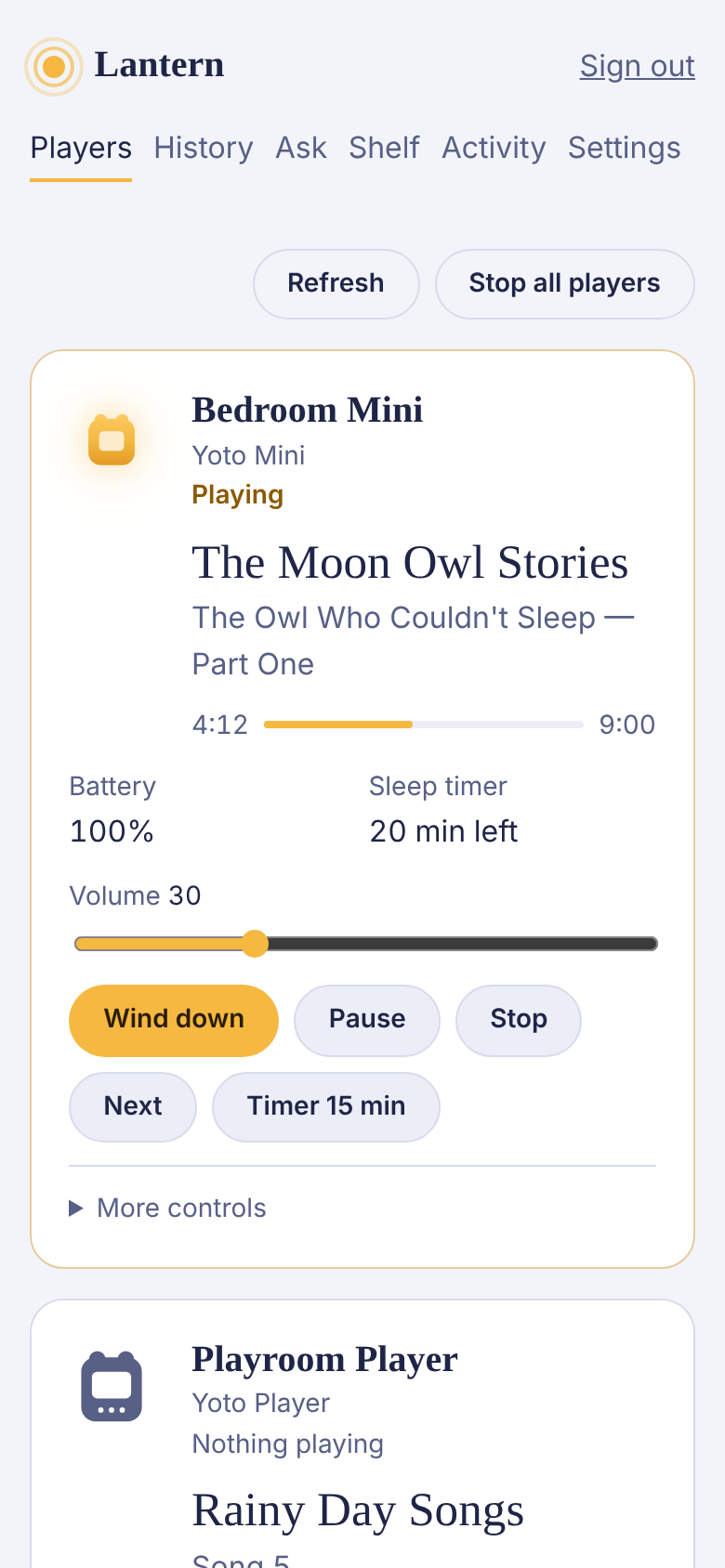
Bedroom Mini
Yoto Mini
Playing
The Moon Owl Stories
The Owl Who Couldn’t Sleep — Part One
4:129:00
- Battery
- 82%
- Volume
- 6
- Sleep timer
- 20 min left
Lantern connects to your family’s Yoto players and shows what each one is doing, what was listened to last night, and lets you wind things down from your phone. Ask it in plain words. Everything stays inside the limits you set.
Create your account Open beta
Open beta. Free while in beta. Not yet tested on a real Yoto player. Independent project, not affiliated with Yoto.
Already in? Sign in.
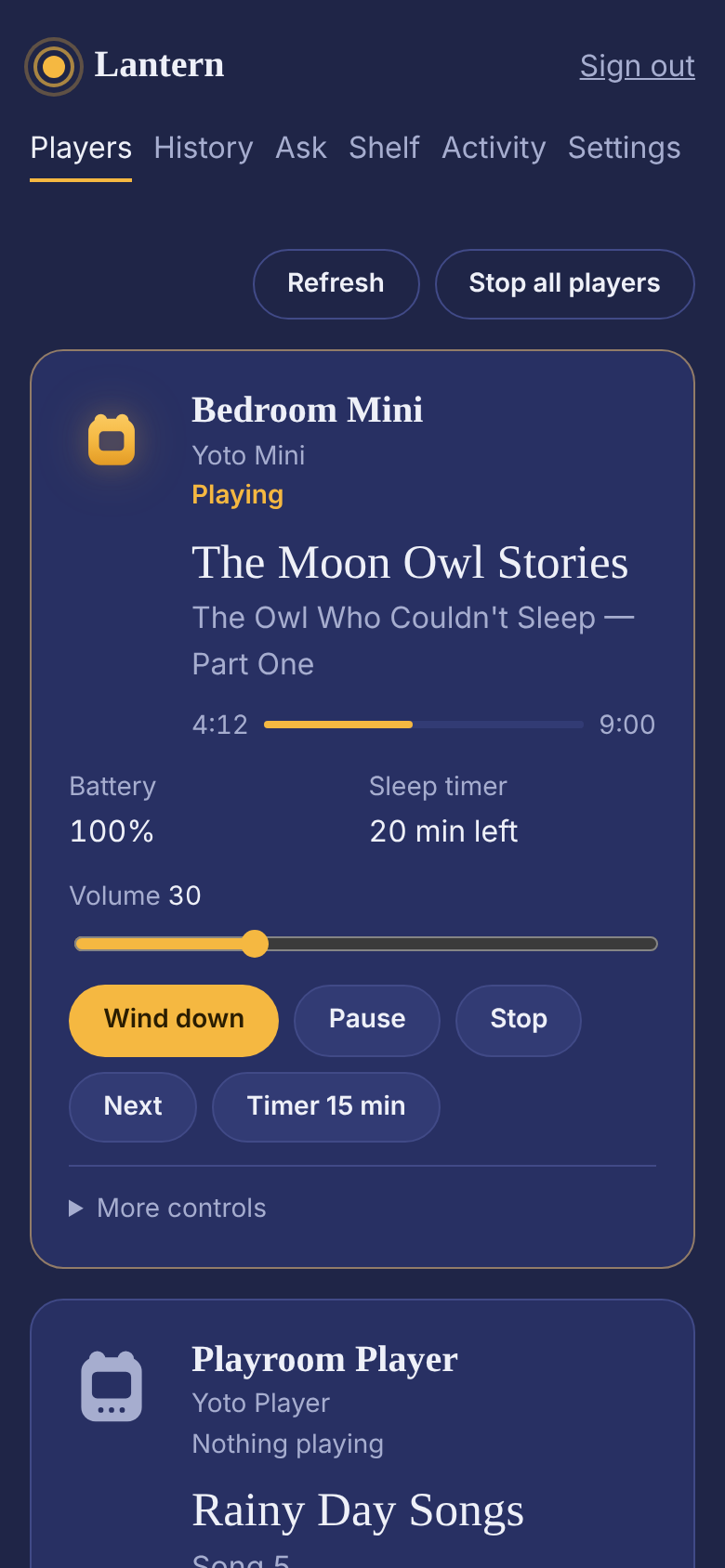
A picture of the Players page: the Bedroom Mini is playing The Moon Owl Stories, four minutes in, with a 20-minute sleep timer and buttons to wind down, pause or stop.
Battery, volume, sleep timer, and the card, chapter and track playing right now, updated within a second.
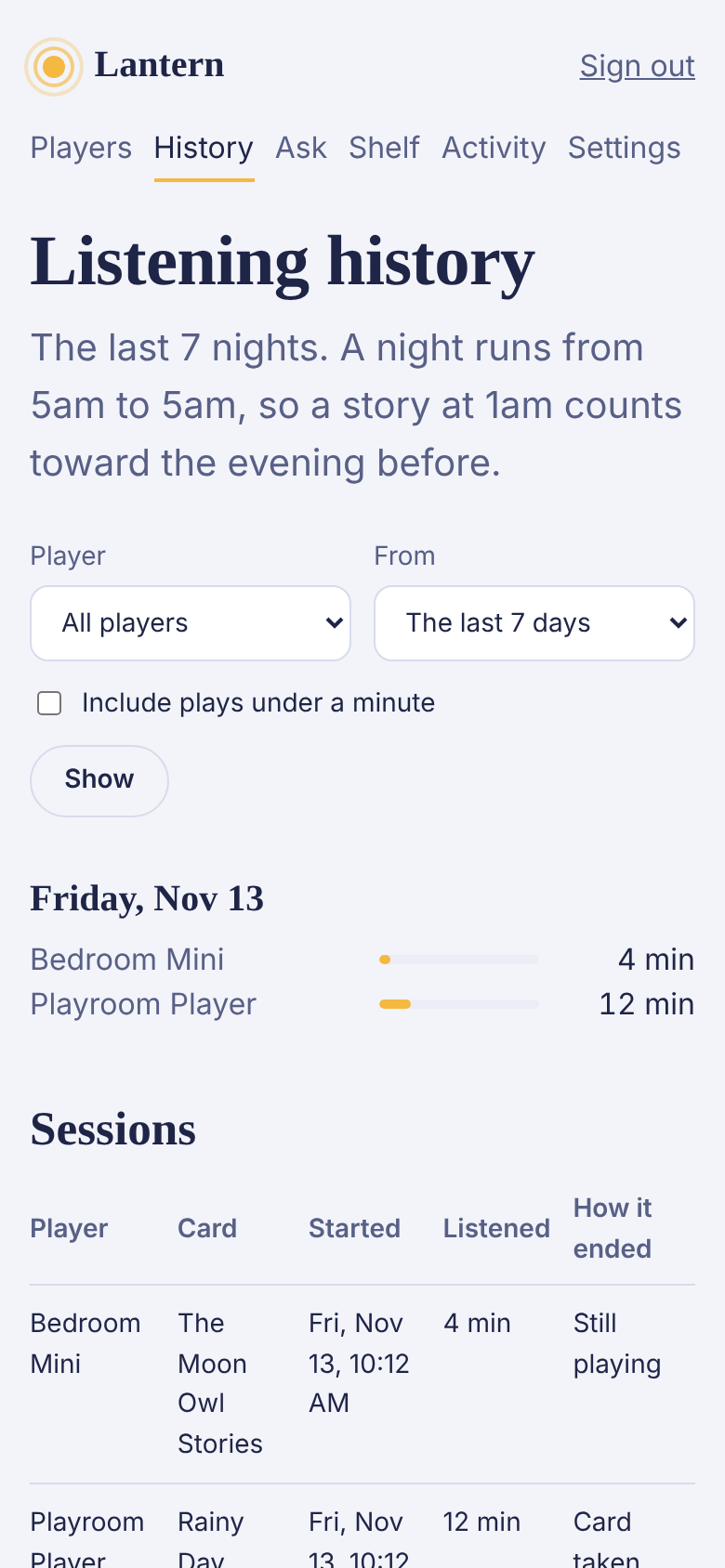
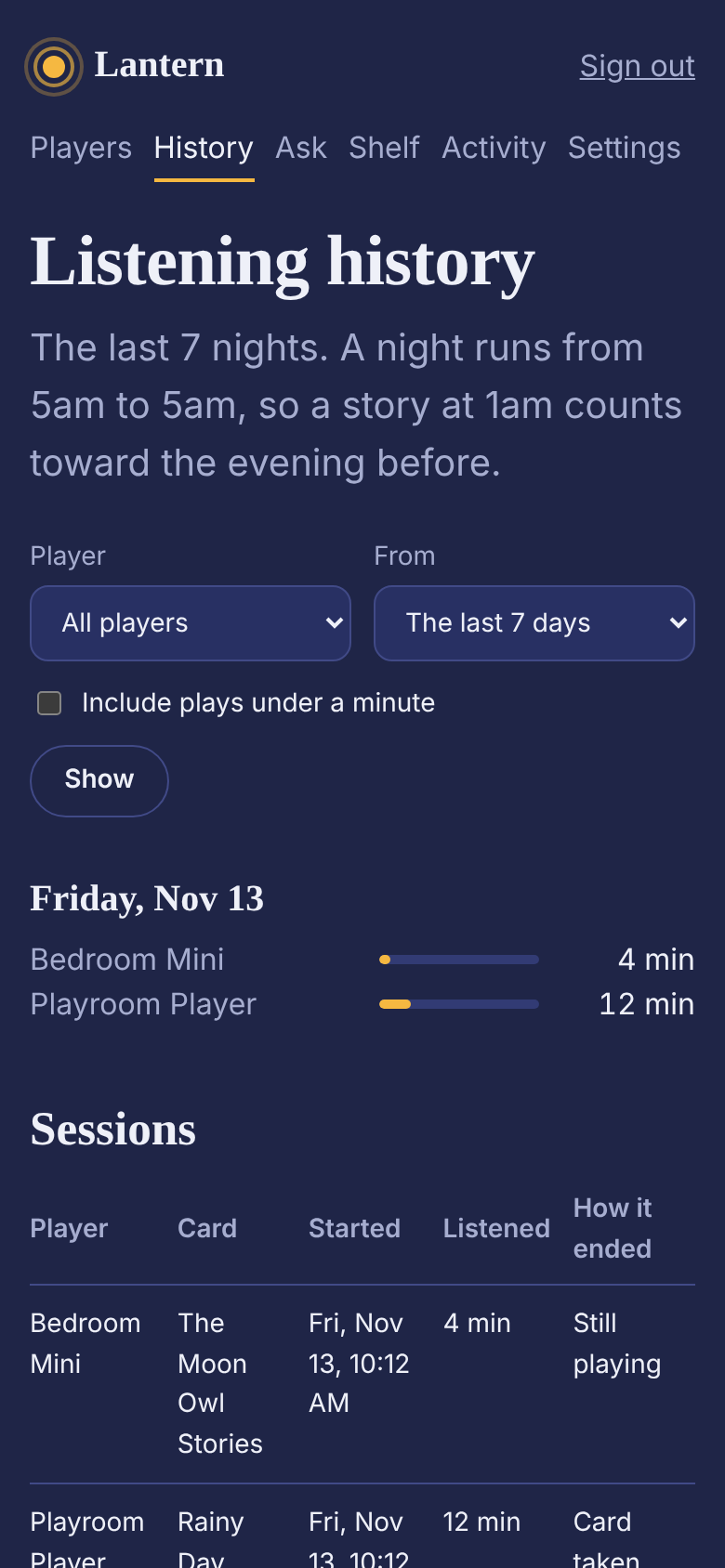
How long each story played, grouped by night, and whether the sleep timer, a button or a small hand turned it off.
One tap sets a sleep timer, lowers the volume and warms the light. Pause, stop, skip a chapter, or play a card by name from your own library.
A volume ceiling and a quieter cap for quiet hours apply to everyone and everything: you, your rules, the assistant and any connected app.
A bedtime cap on school nights, a low-battery warning, a note when something starts late, a story that plays itself at nap time. Alerts arrive on your phone.
No tracking, no advertising, one cookie. Download everything in a click, or delete it all, any time.
Three of the screens. The tour walks through all of them.
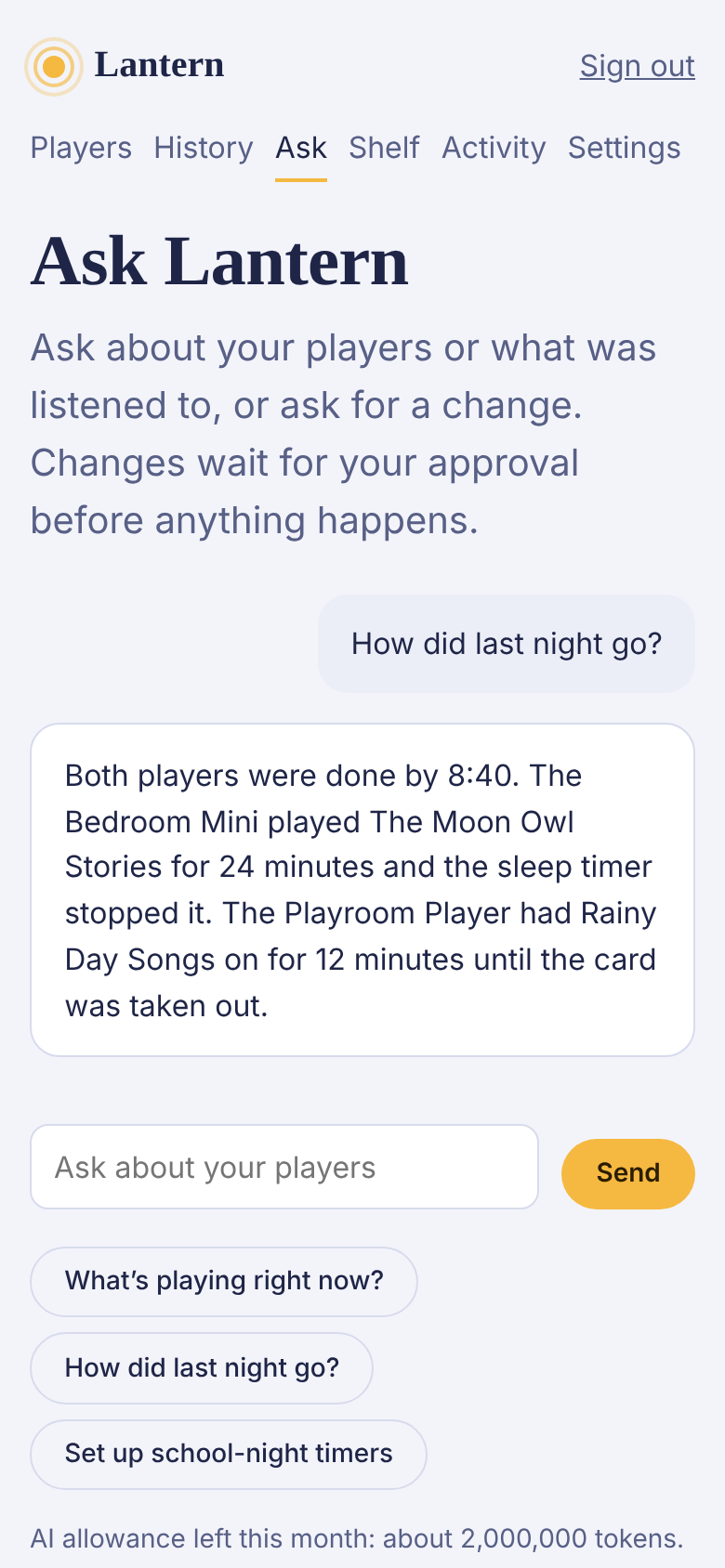
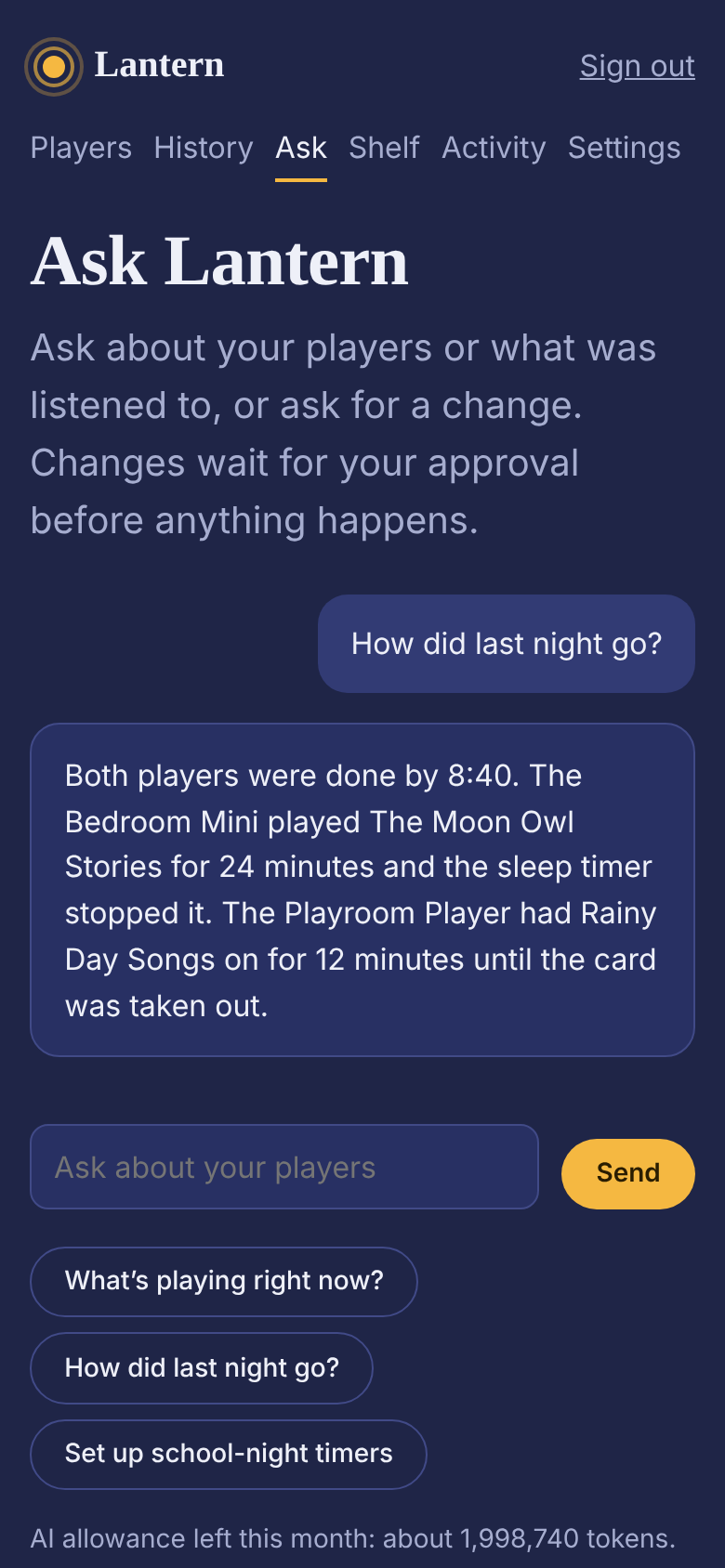
Lantern keeps a live connection to each player in a family, records what plays, and lets parents see and steer their players from a phone, from an AI chat, or from any MCP client. Every action passes through one tool layer that enforces the family's limits.
Lantern sends you to Yoto’s own sign-in page and asks for permission to see your players. Your Yoto password never touches Lantern.
Lantern opens a live connection to each one through Yoto’s cloud and keeps it open. There’s nothing to install on the players.
Pick a volume ceiling and quiet hours. From then on, every change from anyone has to fit inside them.
After you create an account, you connect a Yoto account. Lantern requests these Yoto API scopes: family:devices:control, family:devices:manage, family:devices:view, family:library:view, user:content:view, offline_access, profile. Yoto shows what is requested before you approve. Access tokens are encrypted and never shown.
More on how it works, including what Lantern keeps and what it never does.
The assistant knows what your players are doing right now and what played recently, so you can just ask. When you ask for a change, it proposes it and waits for your approval. It can’t go past your limits either.
Ask runs on Claude, by Anthropic. Your email address is never sent along, and conversations aren’t kept on the server.
Lantern is also an MCP server. Add it to Claude, or to any app that speaks MCP, and sign in; from then on that app can read your players and history and ask for changes. Requests to change something wait for your approval, just like the assistant’s, and your limits still apply. Disconnect an app any time in Settings.
Free while in beta. There is no paid plan. Lantern is built by a small team at Whiteboard Works, and problem reports go straight to us.
Create your account Open beta
Open beta. Free while in beta. Not yet tested on a real Yoto player. Independent project, not affiliated with Yoto.